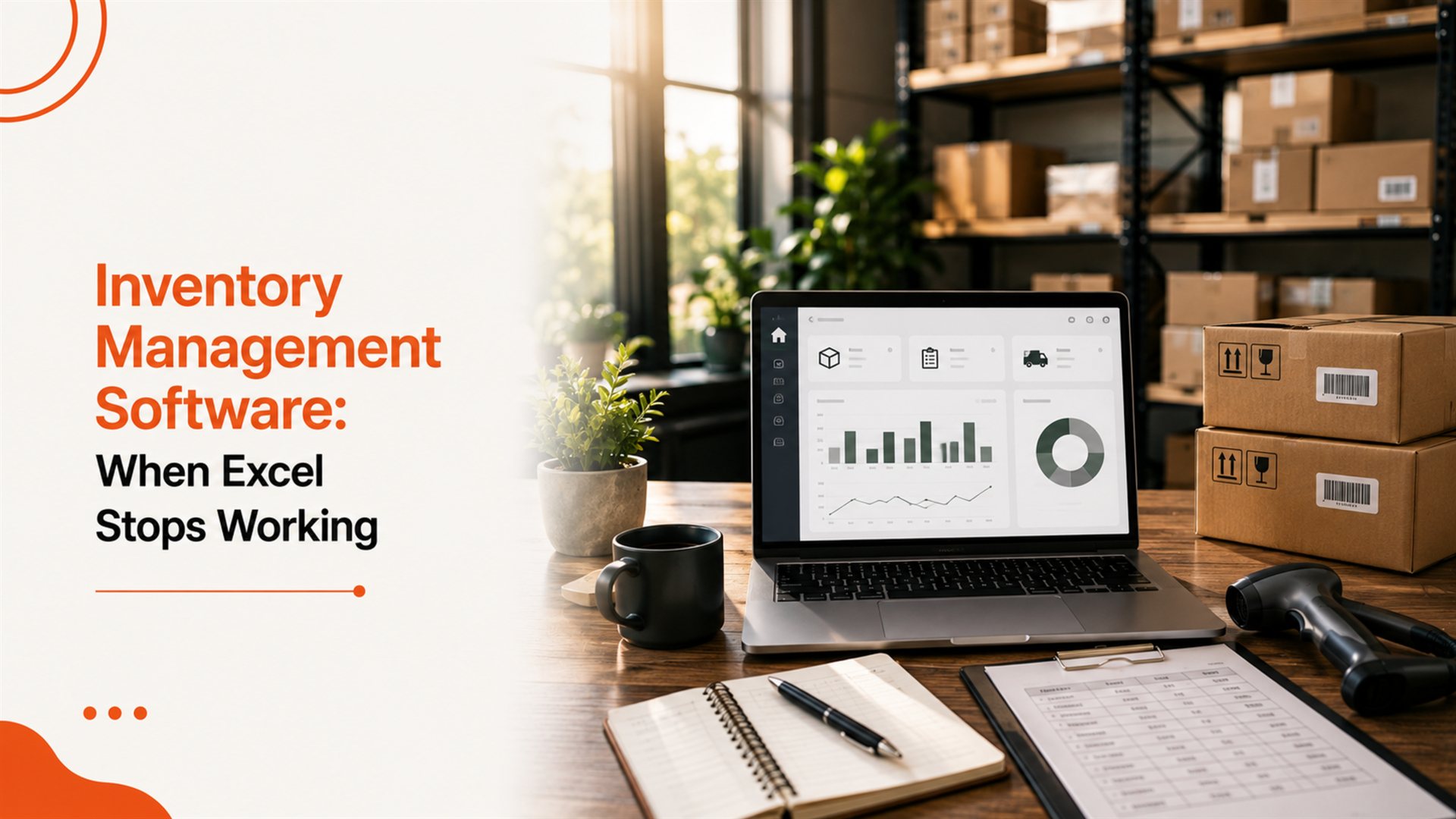
Clear signs you have outgrown Excel for inventory, the modules that matter, and how to pick the right software without overspending.
Excel is the cheapest inventory system in the world — until it isn't. Inventory management software typically pays for itself in 60–90 days by killing one thing: stock leakage.
Quick answer
Move off Excel and switch to dedicated inventory management software when you have multi-warehouse stock, 200+ SKUs, real-time sales commitments or GST + e-way bill obligations. SaaS works under 5 users; build custom once you cross 10 or want it tied into a larger ERP.
6 signs Excel is now costing you money
- Same SKU sold twice because two reps had outdated copies
- "In stock" on the system but missing in the warehouse
- Monthly physical stock vs Excel mismatch above 3%
- Reorders happening too late (stock-outs) or too early (capital stuck)
- 4+ hours/week spent reconciling stock between sheets
- No batch / expiry tracking — losses on perishables and pharma
Modules that actually matter
- Real-time stock by warehouse / location / bin
- Batch, serial number, expiry tracking
- Goods Receipt Notes (GRN) + supplier returns
- Stock transfers between warehouses
- Reorder level alerts + auto-PO generation
- Barcode / QR scanning (Android scanner app)
- GST-ready invoicing + e-way bill generation
- Dashboards for fast-moving / dead stock
SaaS vs custom inventory software
SaaS gets you live this week but locks you to a vendor and per-user pricing. A custom build is ideal once you need multi-warehouse, batch tracking, ERP integration or B2B portal features. Combine inventory with billing & invoice software for one connected back-office.
How to roll out without breaking operations
- Clean master data first — SKUs, units, tax rates
- Pick one warehouse for pilot (4–6 weeks)
- Run parallel with Excel for 2 weeks
- Roll out to other warehouses one at a time
- Train warehouse staff with a 1-page SOP per task
Expected ROI in the first year
- 12–25% reduction in working capital tied up in stock
- 60–80% fewer stock-outs on fast-movers
- 90% reduction in monthly reconciliation time
- Near-zero pilferage on serial / batch tracked items
How Pacewalk helps
Pacewalk builds inventory management software for traders, distributors, manufacturers and D2C brands across India — standalone or as part of a custom ERP. Contact us for a free inventory audit.
Keep reading
Our Chandigarh team has done it for 1854+ brands. No obligation, no sales pressure.
Questions people ask about this
When should I move from Excel to inventory software?
The moment you have more than one warehouse, more than 200 SKUs, a sales team committing stock without checking real availability, or month-end stock vs system mismatches above 3%.
How much does inventory software cost in India?
SaaS options (Zoho Inventory, Vyapar) run ₹600–₹4,000/user/month. A custom-built inventory module is ₹2.5–₹8 lakh one-time with low monthly hosting.
Does it integrate with Tally and GST?
Yes — modern inventory software syncs with Tally, generates GST-compliant invoices, e-way bills and exports GSTR-ready reports.
Experts in SEO, websites, branding and digital growth solutions. 12+ years helping Indian businesses scale online.
Ready to grow your business?
Tell us about your project — we'll respond within 2 hours.