LinkedIn adds AI-recommended clips and chapters for live event recordings
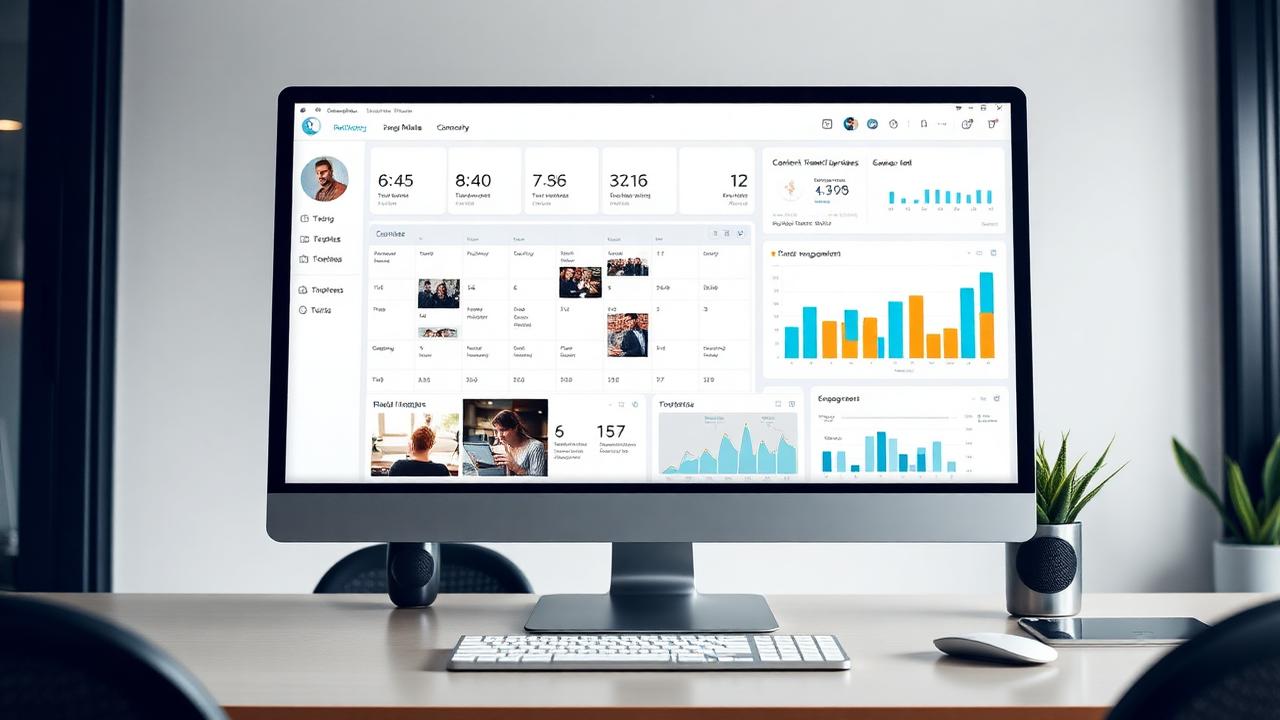
LinkedIn has added AI-powered recommended clips and chapters to its event tools. After a live event, the system suggests standout moments such as announcements, key insights and memorable quotes for hosts to trim and share as short videos, and splits long recordings into chapters. The feature is available to all users globally.
What happened?
On 19 August 2026 Social Media Today reported that LinkedIn was adding AI-powered recommended clips and chapters for recordings of live events. A new recommended clips composer in LinkedIn's event management tools shows a separate section of highlights picked by LinkedIn's system. Hosts choose clips from a side panel and can make each segment longer or shorter. The system also splits longer recordings into chapters so viewers can skim replays and jump to relevant sections. LinkedIn says the AI looks for standout moments such as major announcements, key insights and memorable quotes, and that the feature helps marketers turn event recordings into short highlights that keep people engaged after the event ends. Recommended clips and chapters are available to all users globally.
Why it matters for businesses
Indian B2B companies, consultants, training institutes and SaaS firms increasingly run LinkedIn Live sessions and webinars, but the recordings often go unused after the event. Turning one session into several short clips usually takes editing time small teams don't have. This feature lets one event produce a series of posts for the following weeks, which helps companies stay visible to decision-makers without filming new content each time.
How businesses can use this update
- Run your next webinar or panel as a LinkedIn Live event so you can use the recommended clips composer afterwards. - Plan clear, quotable moments in your session, such as a key statistic from your own data or a strong opinion, so the AI has good highlights to find. - Schedule the clips over two to three weeks after the event, each with a short caption and a link to the full replay. - Use chapters in the replay to point prospects to the exact part of the session that answers their question.
Pacewalk expert note
Repurposing content is one of the easiest gains in B2B marketing, and this feature does much of the work. The AI only picks from what was said, though, so the session needs to be well structured. Prepare a simple run-of-show with three to five strong points, and you'll get clips worth sharing rather than random moments.
Need help implementing this?
Pacewalk can apply this Social Media update to your business. Explore the right service:
Original source: Social Media Today
Want Pacewalk to apply this to your business?
Get a free 20-minute strategy call with our team — we'll show you exactly how this update fits your marketing.
Talk to PacewalkFrequently asked questions
What is the latest Social Media update?+
On 19 August 2026 Social Media Today reported that LinkedIn was adding AI-powered recommended clips and chapters for recordings of live events. A new recommended clips composer in LinkedIn's event management tools shows a separate section of highlights picked by LinkedIn's system. Hosts choose clips from a side panel and can make each segment longer or shorter. The system also splits longer recordings into chapters so viewers can skim replays and jump to relevant sections. LinkedIn says the AI looks for standout moments such as major announcements, key insights and memorable quotes, and that the feature helps marketers turn event recordings into short highlights that keep people engaged after the event ends. Recommended clips and chapters are available to all users globally.
Why does this Social Media update matter for businesses?+
Indian B2B companies, consultants, training institutes and SaaS firms increasingly run LinkedIn Live sessions and webinars, but the recordings often go unused after the event. Turning one session into several short clips usually takes editing time small teams don't have. This feature lets one event produce a series of posts for the following weeks, which helps companies stay visible to decision-makers without filming new content each time.
How can my business use this update?+
- Run your next webinar or panel as a LinkedIn Live event so you can use the recommended clips composer afterwards. - Plan clear, quotable moments in your session, such as a key statistic from your own data or a strong opinion, so the AI has good highlights to find. - Schedule the clips over two to three weeks after the event, each with a short caption and a link to the full replay. - Use chapters in the replay to point prospects to the exact part of the session that answers their question.
How can Pacewalk help with Social Media?+
Pacewalk helps businesses act on social media trends — Social Media Marketing, Video Marketing, Digital Marketing. Book a free consultation and our team will apply this update to your marketing.