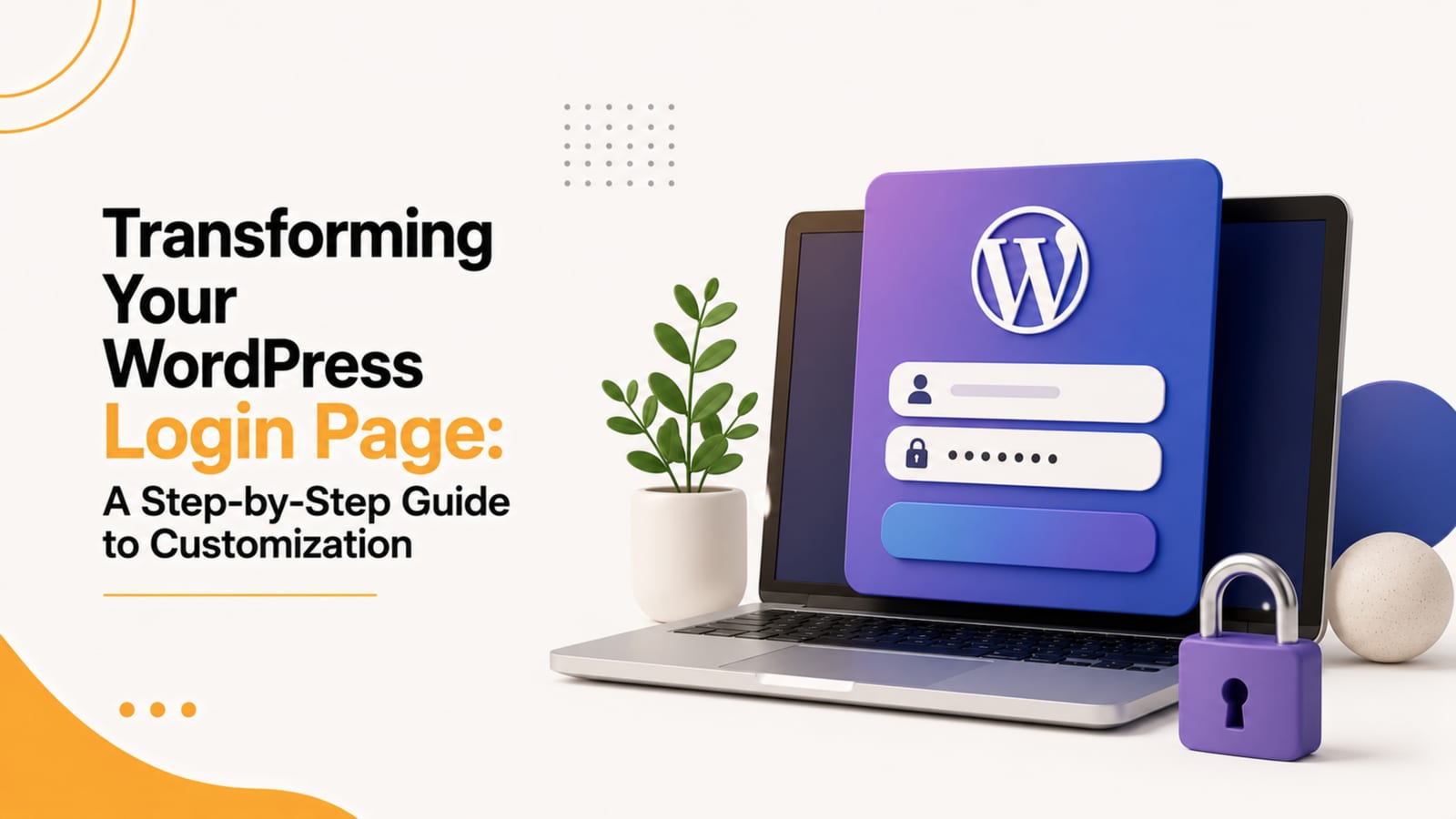
Revamp your WordPress login page with ease using our step-by-step guide. Learn the art of customization to change colors, logos, and layouts, creating a unique and branded login ex
Customizing the design of your WordPress login page can be achieved using various methods, but one of the most straightforward approaches is by using a plugin. Here’s a step-by-step guide on how to change the WordPress login page design using a popular plugin called “LoginPress”:
Step 1: Install and Activate the LoginPress Plugin
- Go to your WordPress dashboard.
- Navigate to “Plugins” and click on “Add New.”
- In the search bar, type “LoginPress.”
- Locate the “LoginPress” plugin and click “Install Now.”
- After installation, click “Activate.”
Step 2: Access the LoginPress Settings
- Once activated, you’ll find a new menu item named “LoginPress” in your WordPress dashboard.
- Click on “LoginPress” to access the plugin settings.
Step 3: Customize the Login Page
LoginPress offers a range of customization options. Here’s how you can tailor the login page according to your preferences:
a. Logo and Background:
- Upload your custom logo by going to the “Logo” tab. This replaces the default WordPress logo on the login page.
- In the “Background” tab, you can set a custom background image or color to enhance the visual appeal of the login page.
b. Form Style:
c. Social Login:
d. Typography:
e. Advanced Customization (Optional):
Step 4: Preview and Save Changes
- After making the desired changes, navigate to the “Preview” tab to see how your login page will look with the new design.
- If you are satisfied with the preview, click on the “Save Changes” button to apply the customization to your WordPress login page.
Step 5: Check Your Customized Login Page
Visit your WordPress login page (usually located at yourdomain.com/wp-login.php) to see the changes. Your login page should now reflect the customized design you’ve set up using LoginPress.
By following these steps, you can easily change the design of your WordPress login page without the need for coding or manual theme adjustments. The LoginPress plugin provides a user-friendly interface for designing an aesthetically pleasing and brand-consistent login page. Being a leading WordPress Website Designing Company in Mohali, we can create a custom & robust login page for your WordPress site.
PACEWALK is the leading and fastest growing Digital Marketing Company in India, with having branches in Zirakpur, Bathinda, Faridkot & Kotkapura and also we have Counselling Center in Australia and New Zealand. A Good and professional web design plays an important role to showcase your business online.
Need help from Pacewalk?
Pacewalk is a digital marketing company in Chandigarh helping 1277+ brands grow online. Get in touch via our contact page or learn more about our services.
Keep reading
Our Chandigarh team has done it for 1854+ brands. No obligation, no sales pressure.
Experts in SEO, websites, branding and digital growth solutions. 12+ years helping Indian businesses scale online.
Ready to grow your business?
Tell us about your project — we'll respond within 2 hours.