
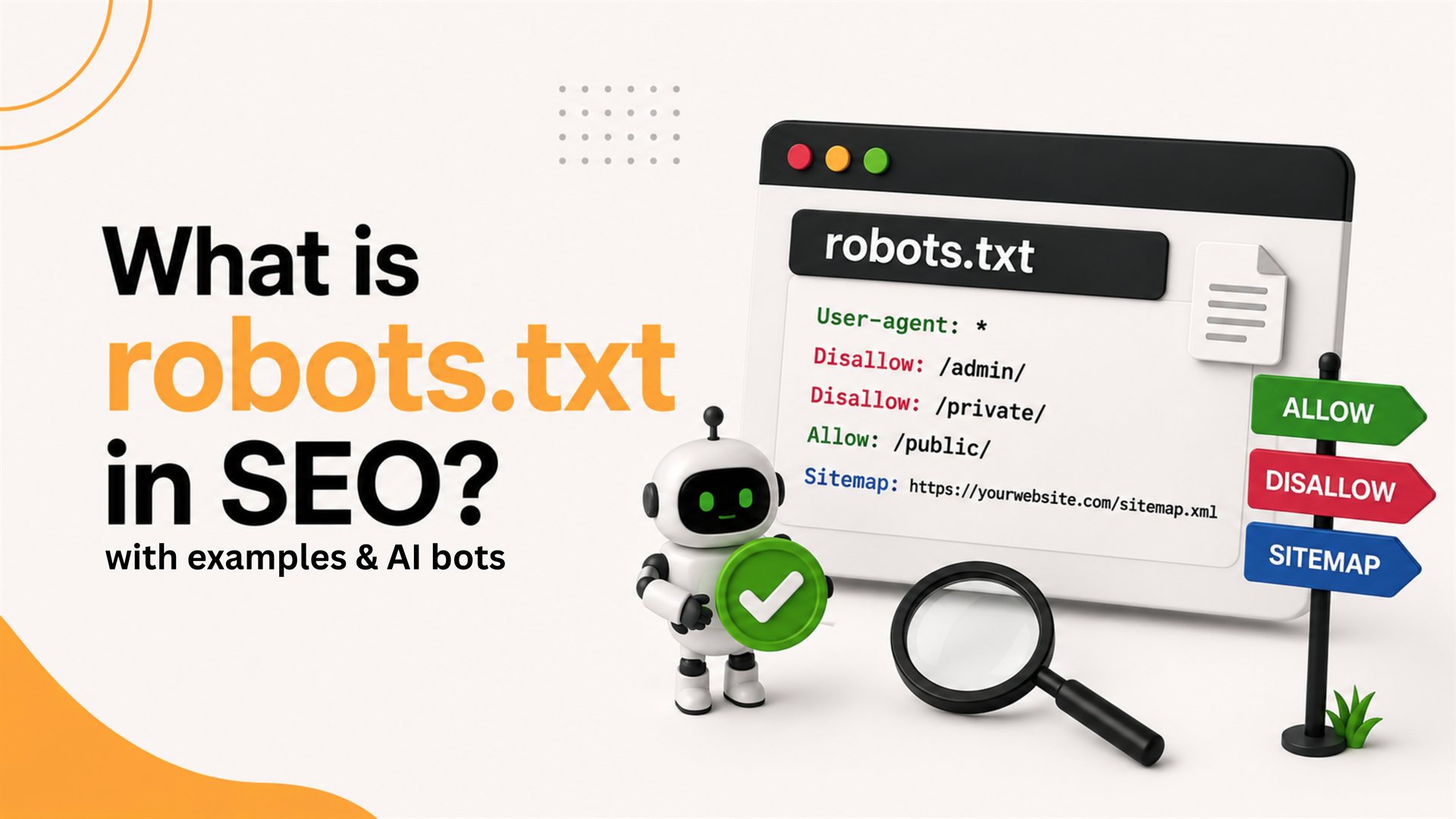
robots.txt explained for 2026 — syntax, examples, AI crawler controls (GPTBot, Google-Extended, PerplexityBot), and the dangerous mistakes that quietly deindex your site.
robots.txt is one of the smallest files on your website — but a single typo can quietly de-rank your entire site for months. Here's a clear 2026 guide for marketers, SEOs and developers, including the new AI crawlers you now need to think about.
Quick answer
robots.txt sits at yourdomain.com/robots.txt and tells well-behaved crawlers what they can and can't crawl. In 2026 it must also handle AI bots like GPTBot, Google-Extended, ClaudeBot and PerplexityBot. It does NOT prevent indexing of pages that get linked externally — for that, use a noindex meta tag.
What robots.txt actually does (and doesn't)
- ✓ Tells crawlers which paths to skip
- ✓ Saves crawl budget on huge sites
- ✓ Points search engines to your XML sitemap
- ✗ Does NOT block indexing of externally-linked URLs
- ✗ Does NOT enforce security — anyone can read your robots.txt
- ✗ Does NOT stop malicious or non-compliant bots
Basic syntax
Each rule has a User-agent (which bot) and one or more Allow / Disallow lines (what it can do). Example for a typical SMB site:
User-agent: * Disallow: /admin/ Disallow: /cart/ Allow: / Sitemap: https://yourdomain.com/sitemap.xml
AI crawlers you should know in 2026
- GPTBot — OpenAI's crawler (training and ChatGPT browsing)
- Google-Extended — controls inclusion in Gemini & AI Overviews training (separate from Googlebot)
- ClaudeBot — Anthropic's crawler
- PerplexityBot — Perplexity's crawler for live answers + citations
- CCBot — Common Crawl, used to train many open-source models
Should you allow or block AI bots?
For most service businesses (agencies, clinics, schools, B2B), allow them — being cited inside ChatGPT and Perplexity now sends real referral traffic and shapes brand perception. For premium publishers and original-research sites, blocking GPTBot/CCBot is a valid choice if you don't want your work training competitors' models. Google-Extended is usually allowed if you want to appear in AI Overviews.
Example: allow Google + Perplexity, block training-only bots
User-agent: GPTBot Disallow: / User-agent: CCBot Disallow: / User-agent: PerplexityBot Allow: / User-agent: Google-Extended Allow: / User-agent: * Disallow: /admin/ Sitemap: https://yourdomain.com/sitemap.xml
Common commands
- User-agent — the bot the rule applies to (* = all)
- Disallow — paths the bot must skip
- Allow — explicit permission inside a disallowed folder
- Sitemap — absolute URL of your XML sitemap (can be repeated)
- Crawl-delay — suggested delay between requests (Googlebot ignores; Bing respects)
Best practices for 2026
- Keep the file under 500KB and at the root of every domain & subdomain
- Always include a Sitemap directive — saves indexing time
- Use noindex meta tags (not robots.txt) to remove pages from search
- Test in Google Search Console's robots.txt report after every deploy
- Decide your AI bot stance deliberately — don't leave it to defaults
- Review at every site migration; staging Disallow: / is the #1 reason new sites don't rank
How robots.txt and XML sitemaps work together
robots.txt tells crawlers what NOT to visit. XML sitemaps tell them what TO visit. Together they shape your crawl budget. For most SMB sites under 500 pages, crawl budget isn't a concern — but the sitemap declaration in robots.txt still helps search engines discover new content faster.
Debugging when something breaks
If pages drop from Google: (1) check robots.txt for an accidental Disallow, (2) inspect the URL in Search Console, (3) check x-robots-tag headers, (4) check meta robots tags in the HTML. 9 out of 10 "my site disappeared" cases trace back to one of these four.
robots.txt is 5 lines of text that can either save your SEO or quietly destroy it. Treat it like a deployment checkpoint, not a one-time setup file.
Need help with technical SEO?
Pacewalk handles full technical SEO for Indian and overseas brands — robots.txt, sitemaps, schema, Core Web Vitals, AEO. Explore our SEO services or talk to our team for a free technical audit. Also read Indexing vs crawling in SEO and The crucial role of sitemaps in SEO.
Our Chandigarh team has done it for 1854+ brands. No obligation, no sales pressure.
Questions people ask about this
What is robots.txt and why does it matter?
robots.txt is a small text file at yourdomain.com/robots.txt that tells web crawlers which parts of your site they're allowed (or asked) to crawl. It doesn't enforce security or stop indexing on its own — it's a polite instruction respected by good bots like Googlebot, ignored by malicious ones.
Should I block AI bots like GPTBot in 2026?
Depends on your goal. Block them if you don't want your content used to train AI models (publishers often do this). Allow them if you want to be cited inside ChatGPT, Perplexity and Google AI Overviews — most service businesses benefit from being cited.
Will robots.txt stop a page from showing in Google?
No. Disallow tells Google not to crawl, but Google can still index the URL based on external links — usually as a bare URL with no description. To stop indexing, use a noindex meta tag or x-robots-tag header instead.
What's the most dangerous robots.txt mistake?
"Disallow: /" — it blocks the entire site from crawling. We've seen brand-new sites stay invisible for months because a developer forgot to remove it after staging. Always validate at yourdomain.com/robots.txt and Google Search Console after every deploy.
Experts in SEO, websites, branding and digital growth solutions. 12+ years helping Indian businesses scale online.
Ready to grow your business?
Tell us about your project — we'll respond within 2 hours.